| Full Description | Shade Product Lines Overview

This document provides an overview of installation, configuration, and control options available for shades within a Savant System. Use the navigation on the left to access specification guides, quick reference materials, installation documentation, and provisioning and programming procedures.
GE Proseo Shades
GE Proseo Inception Series product line of shades are available in forms designed for different installation requirements.
Inception Shades
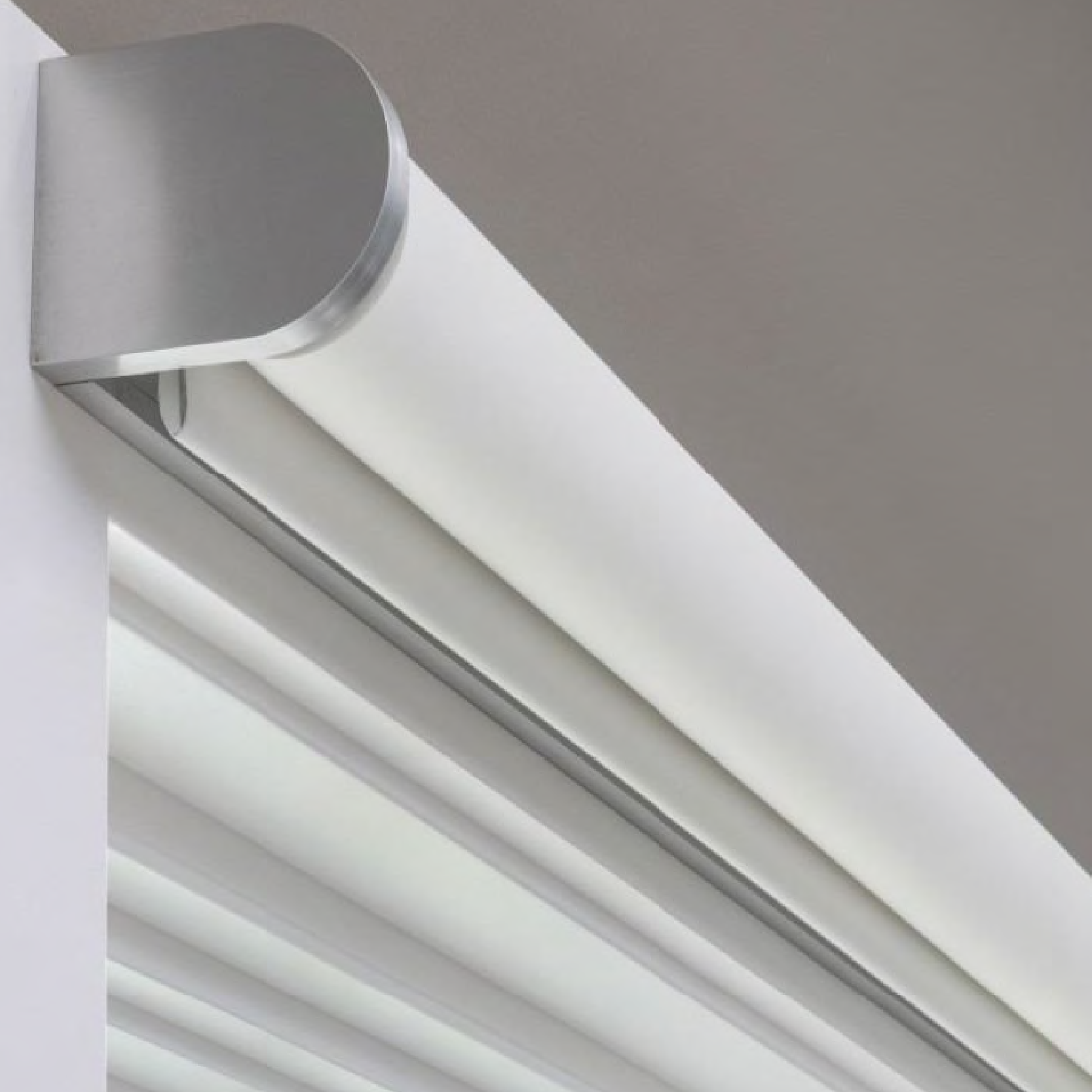 |
- Always Visible - Exposed Inception shades are designed for flexible deployment across a wide range of projects, with an emphasis on simplified installation and broad automation support. They keep the simplistic beauty of the shade fabric itself visible.
- Custom Widths - Minimum shade width of 15 9/16" and maximum up to 10 feet. Multi-shade coupled alignments can span window walls up to 14 feet wide using minimal gap brackets.
- Multiple Mounting Options - Inside Jamb, wall mounted, and ceiling mounted options.
- Custom Presentation - Lock away and lock towards variations. Reverse or standard rolling options.
- Matching Finishes - Black Aluminum, Silver Aluminum, and White Powder Coat finishes for complimenting any interior aesthetic.
- Easy Install - Arrives pre-assembled and ready to install right out of the box. Available in Railroaded and Non-Railroaded options.
|
Inception Series Pocket Shades
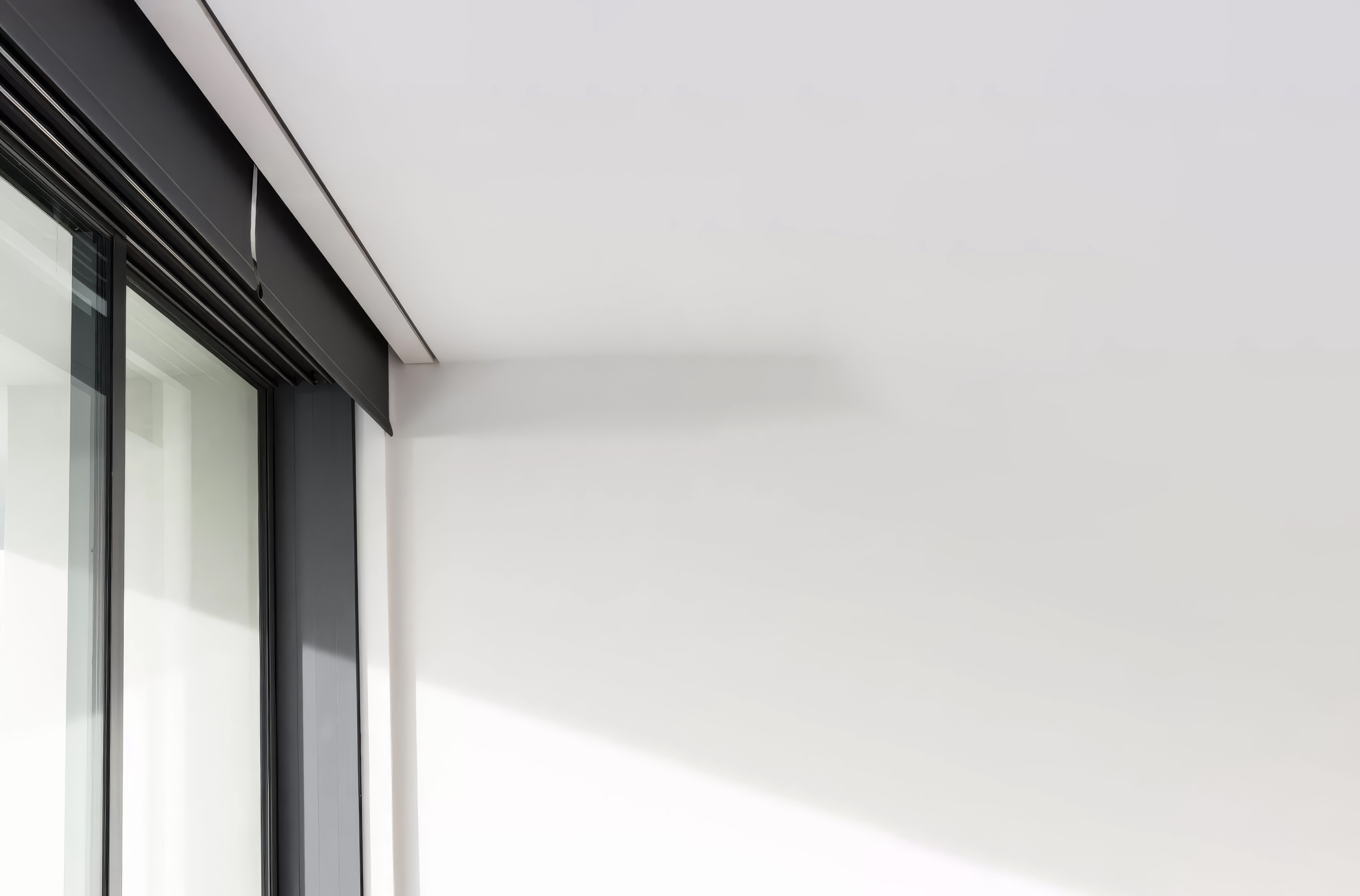 |
- Hidden Upon Demand - Pocket shades are mounted flush within the ceiling, create a minimalist look to match any interior. Proseo Inception Series Pocket Shades retreat fully into the enclosure when retracted.
- Custom Widths - Minimum shade width of 15 9/16" and up to 10 feet. Multi-shade coupled alignments can span window walls up to 14 feet wide using minimal gap brackets.
- Shade Types - Single and Double shade type pocket shades available in both dual-stacked and dual side-by-side variations.
- Optional Accessories - Dual shade pockets contain up to 4 shades on the window side, the near side containing a single, wide shade. Optional Mud flaps and End caps.
- Black Aluminum Finish.
- Easy Install - Arrives pre-assembled and ready to install right out of the box. Available in Railroaded and Non-Railroaded options.
|
Inception Series Fascia Shades
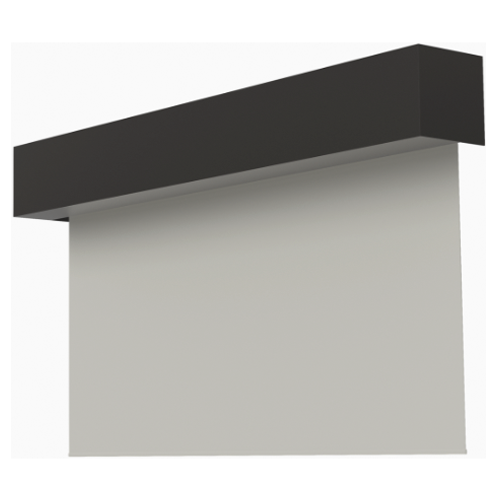 |
- Hiding in Plain Sight - Inception Series Fascia shades hide the shade fabric within an enclosure, allowing the shade to be hidden without requiring additional construction.
- Custom Widths - Minimum shade width of 15 9/16" and a maximum width of 10 feet. Multi-shade coupled alignments can span window walls up to 14 feet wide using minimal gap brackets.
- Adjustable Brackets - Includes a highly adjustable mounting bracket designed specifically for quick, tool-free alignment and leveling during installation.
- Custom Finishes - Conceals the shade, when fully retracted, in a black, white, or paintable enclosure.
- Optional Accessories - Available top plate for concealing the shade fully if the top of the enclosure is not hidden. Available endcaps for additional shade concealment.
- Flexible Mounting - Inside or outside jamb mounting options. Ceiling or wall mounted.
|
R-Series Shades
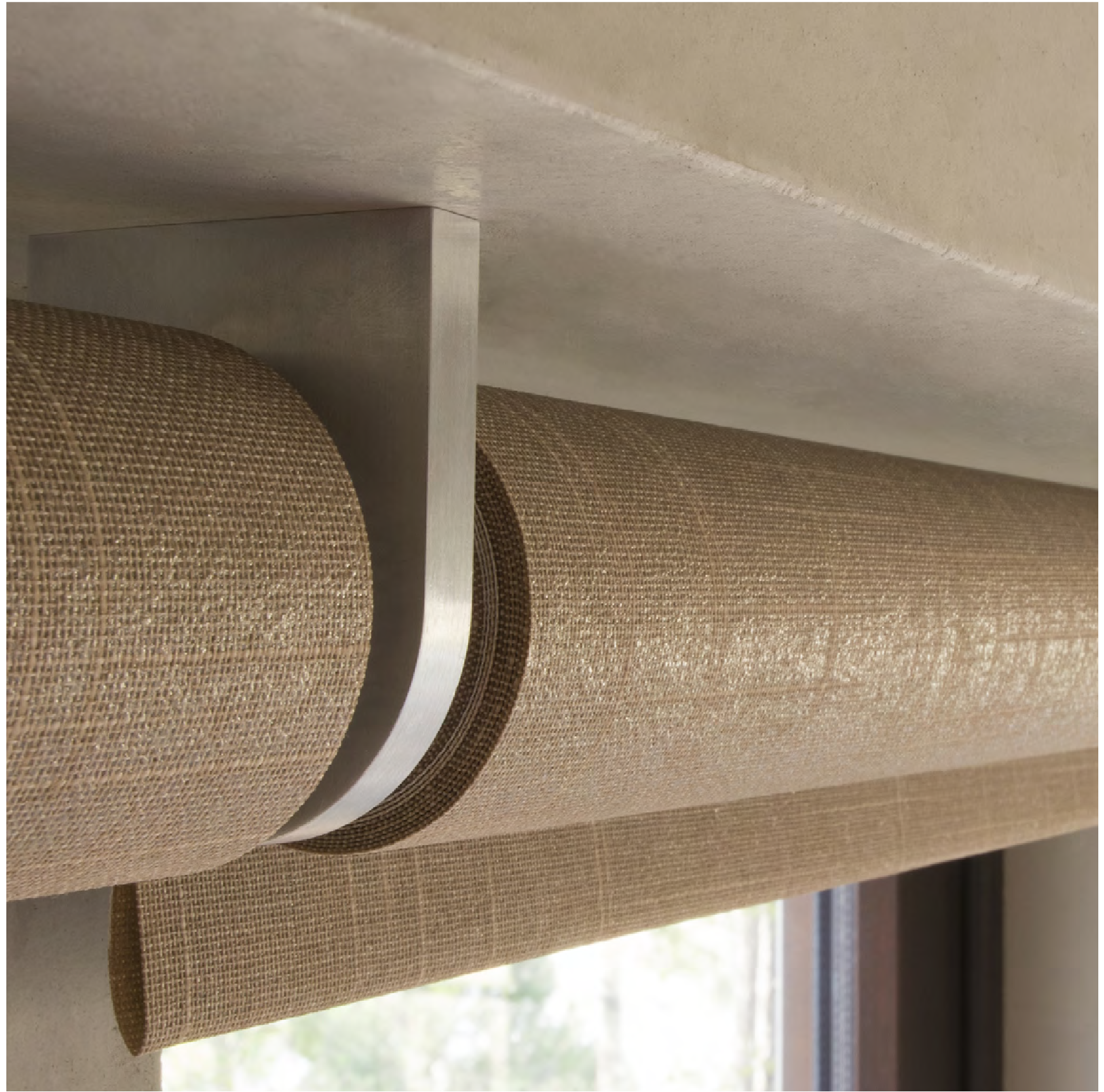 |
- Solution Oriented - R-Series shades are designed for complex, scalable installations that require structured wiring, centralized power distribution, and tighter system control.
- Can support up to 8 panels per shade.
- Custom Finishes - Available in Black Aluminum, Silver Aluminum, and White Powder Coat finishes.
- Multiple Mounting Types - Ceiling or wall mounted. Inside/Jamb Mounting and Outside Mount types. Standard or Reverse roll variations.
|
Shade Motor Control Types
Savant supports multiple motor control types across GE Proseo and supported third-party shade platforms.
Wired Motors
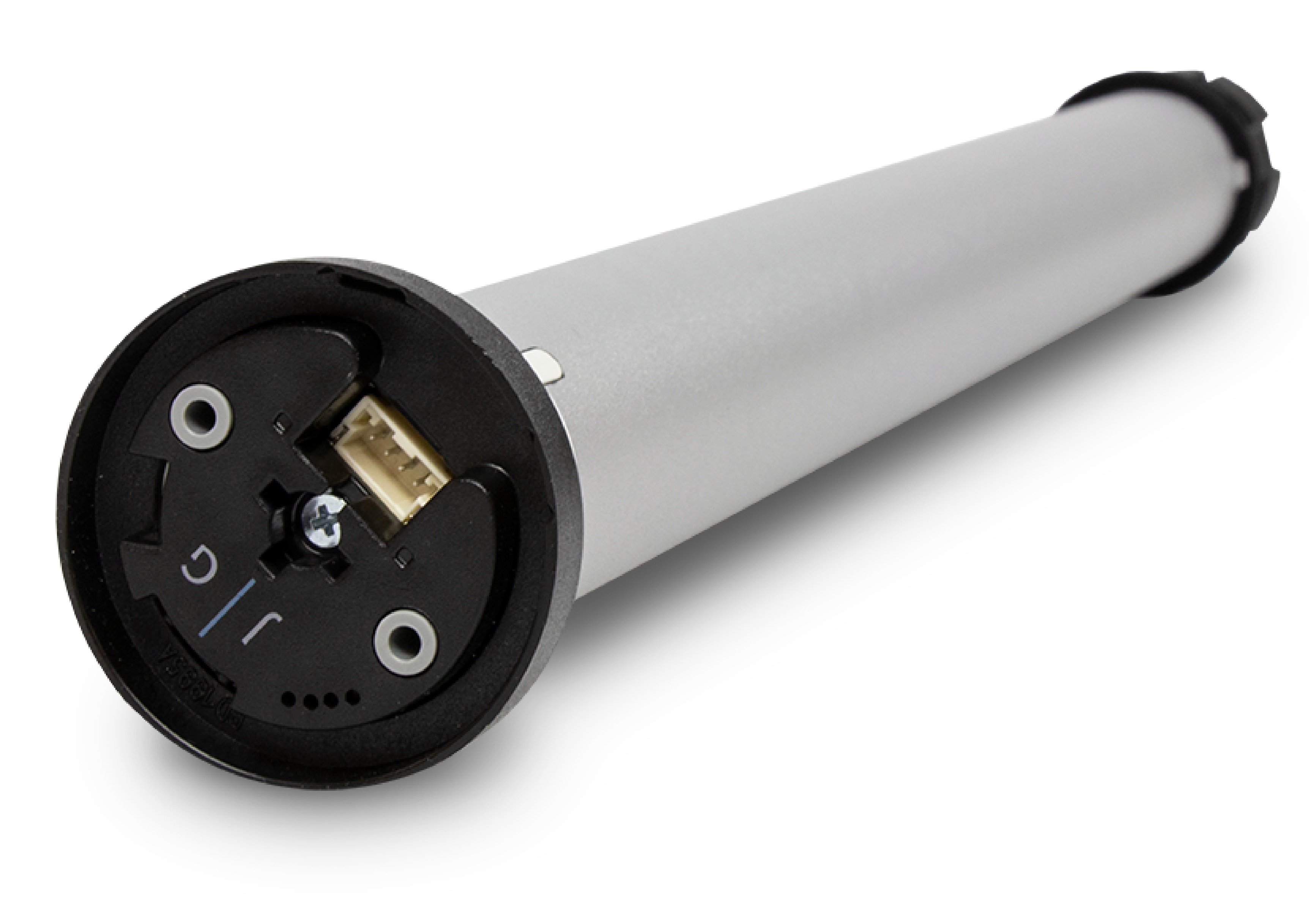 |
- Consolidated Power & Communication Wiring - Geiger or Rollease Wired Motors are powered and controlled using low-voltage wiring through 5 Shade Power Modules using RS485 (SHA-PMOD5-00) or serial (SHA-PMOD5G-00).
- Lighting & Shades Device Manager Discovery - 5 Shade Power Modules are discovered in the Lighting & Shades Device Manager, which in turn discovers and binds all associated wired motors and automatically configures the Shade Settings Data Table. For more information on programming wired shade motors, see Savant Wired Shades Blueprint Programming Guide - On-Site Configuration.
- Savant App Control Only - Once added to the configuration and uploaded, wired motors are IP controlled through the Savant app, allowing direct UI control and integration into Savant Scenes.
| | | |
RF Wired Motor
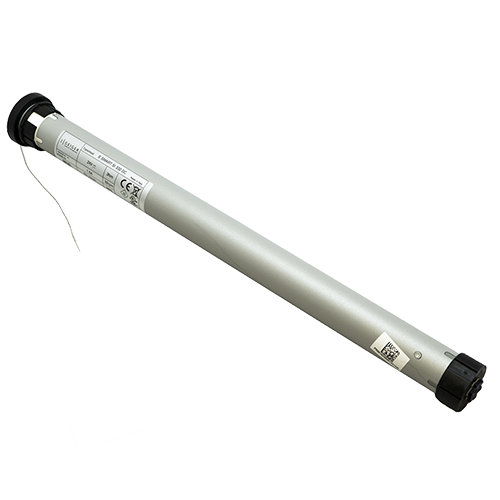 |
- Powered Wherever - Individual power draw for each J Geiger or Rollease Motor allows for installation flexibility.
- Flexible Control - RF Wired Motors are controlled using RF controllers such as a Bond Bridge, or paired to native RF remotes:
- Easy Smart Integration - Install a shade controller such as a Bond Bridge. Complete all third party app setup, then add the controller profile to blueprint. Configure Shades Settings Data Table entries to match the addressing and upload the configuration, and it's done.
- Remote Control - Charge the RF remote, then pair the RF Motor to a remote control. Remotes allow for direct control without any integration, but can be used in addition to third party and Savant control. For information on pairing RF Motors, see the RF Motor to Remote Pairing Guide.
| | | |
RF Battery-Powered Motor
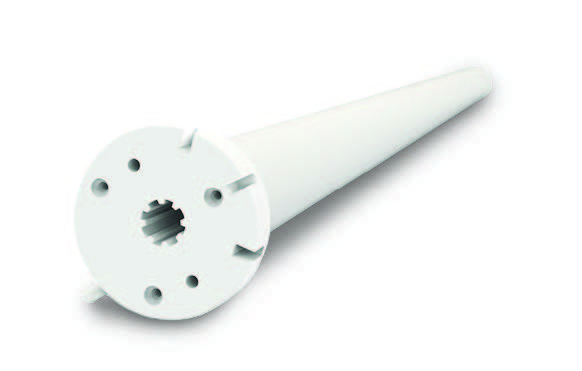 |
- No Permanent Wiring - Self-contained RF motors with internal rechargeable batteries. Require periodic charging and placement planning. Eliminates permanent wiring and reduces wall disruption to only mounting the shade itself.
- Easy Smart Integration - Install a shade controller such as a Bond Bridge. Complete all third party app setup, then add the controller profile to blueprint. Configure Shades Settings Data Table entries to match the addressing and upload the configuration, and it's done.
- Remote Control - Charge the RF remote, then pair the RF Motor to a remote control. Remotes allow for direct control without any integration, but can be used in addition to third party and Savant control. For information on pairing RF Motors, see the RF Motor to Remote Pairing Guide.
|
Control and Integration Options
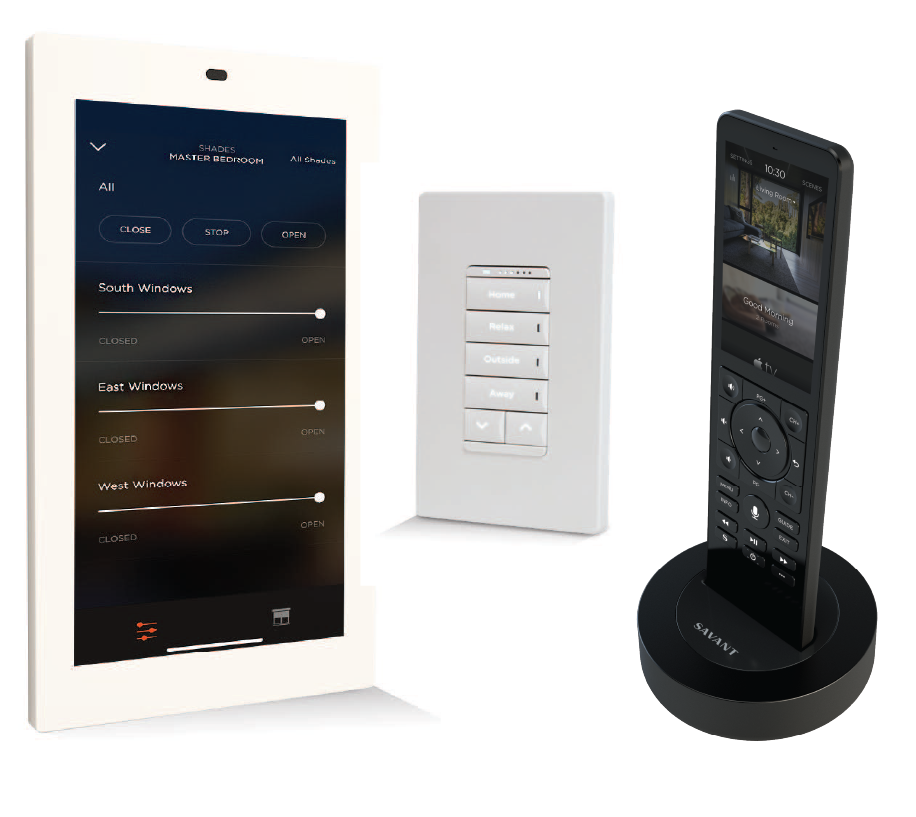
Savant supports multiple shade control methods to accommodate different system designs and user interaction models. Savant controlled shades include native integration within all Savant User Interfaces such as the Savant app, Savant Remote, Touch Panels, Savant Keypads, and voice control. Control capabilities and supported configurations vary by motor type and controller and should be validated during system design.
Wired Shade Motor Control
 |
- Wired Communication - Wired Shades directly connected to a 3 Savant Five Shade Power Modules (SHA-PMOD5G). The Five Shade Power Modules recieve commands through the local area network from the Savant Host.
- Blueprint Configuration - Once installed, the wired shades are discovered through the Lighting & Shades Device Manager. See either document below for more information:
- App Control - Wired shades are controllable using the Savant app only. Wired shades can be added to Savant Scenes, added to triggers, or manually controlled both in groups or individually.
|
RF Shade Motor Control
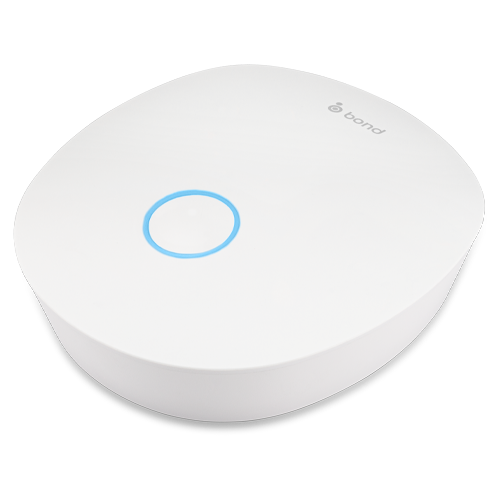 |
- Wireless Communication - RF Motors communicate with an RF shade motor controller such as Bond Bridge using RF. The controller then communicates with the Savant System over the local area network.
- App & Third Party Control - RF shade motors can be controlled using the Savant app once the shade controller has been added to the blueprint configuration. This includes Savant Scenes and granular control, in addition to normal functionality within the third party ecosystem. See the Racepoint Blueprint Reference Guide - Shades Settings Data Table
- Remote Control - RF Motors additionally be paired to an RF Remote. This can be done additionally to communicating through a third party controller and is commonly used for RF retrofit deployments. See the RF Motor to Remote Pairing Guide for more information.
|
RF Shade Motor Remote Control
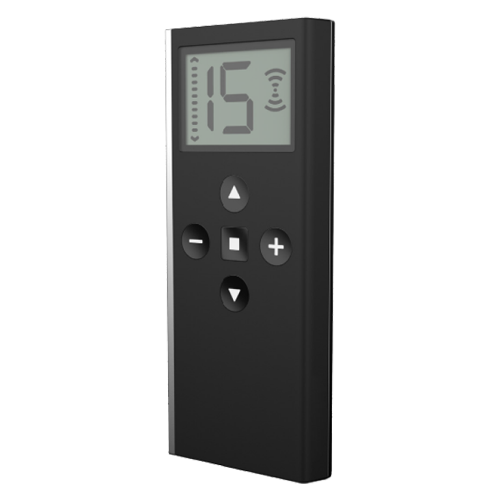 |
- Direct Control - RF Remotes control the shades they are directly paired to. The amount of shades controlled per remote is relative to the amount of channels per remote. J Geiger or Rollease 1 / 5 / 15 Channel Remotes are available on the Savant Store.
- Auxilliary Utility - Useful as secondary control for small quantities of shades at once. Often used alongside Bond or Geiger controllers for an additional handheld control types
- Flexibility - Can be paired, unpaired, and re-paired at will. See the RF Motor to Remote Pairing Guide for more information.
|
GE Smart Shades (Retail Products)
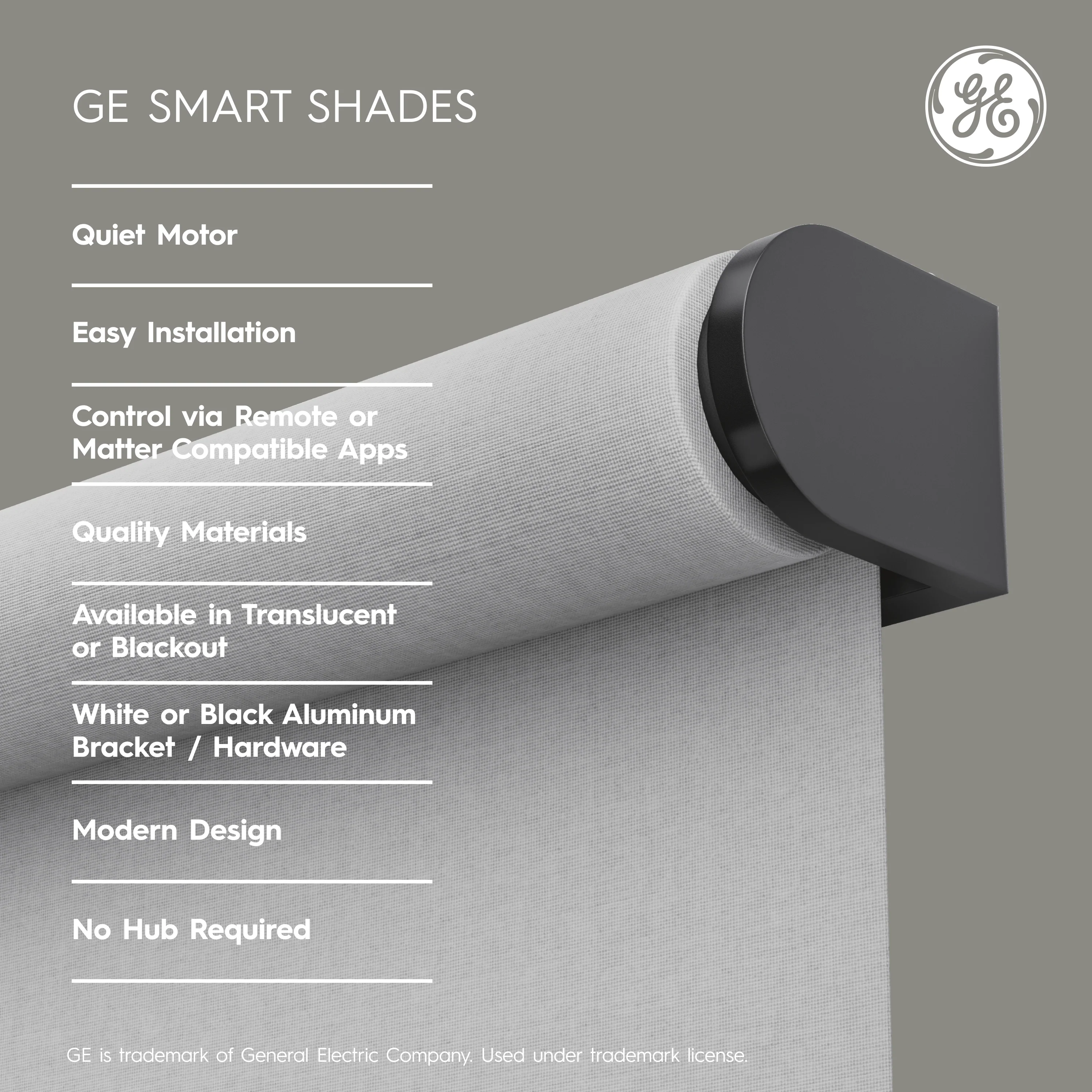 |
- Consumer Friendly - In addition to professionally installed shade systems, GE offers GE Smart Shades for direct-to-consumer and light-retrofit use cases. Dealers interested in understanding GE Smart Shades capabilities, installation, and support resources can find additional information at the GE Smart Shades Support site .
- Common Integration Communication Types - Operates via Matter over Thread, integrating smoothly with major smart home ecosystems like Google Home, Amazon Alexa, and Apple Home/Samsung SmartThings. Additionally can be controlled via an included pre-paired remote or voice commands.
- Battery Operated - Features an integrated lithium-ion battery motor designed for quiet, smooth operation, and requires an easy three-screw installation with no visible hardware.
- Aesthetic Choices - Available in blackout and translucent/light-filtering fabric options in white or gray, paired with a sleek metal exterior in white or black finishes. Ceiling or wall mounting types.
|
Shade Design Tool
The Shade Design Tool provides a guided workflow for designing, specifying, and ordering supported shade solutions. Access the Lighting and Shade Designer Tool here .
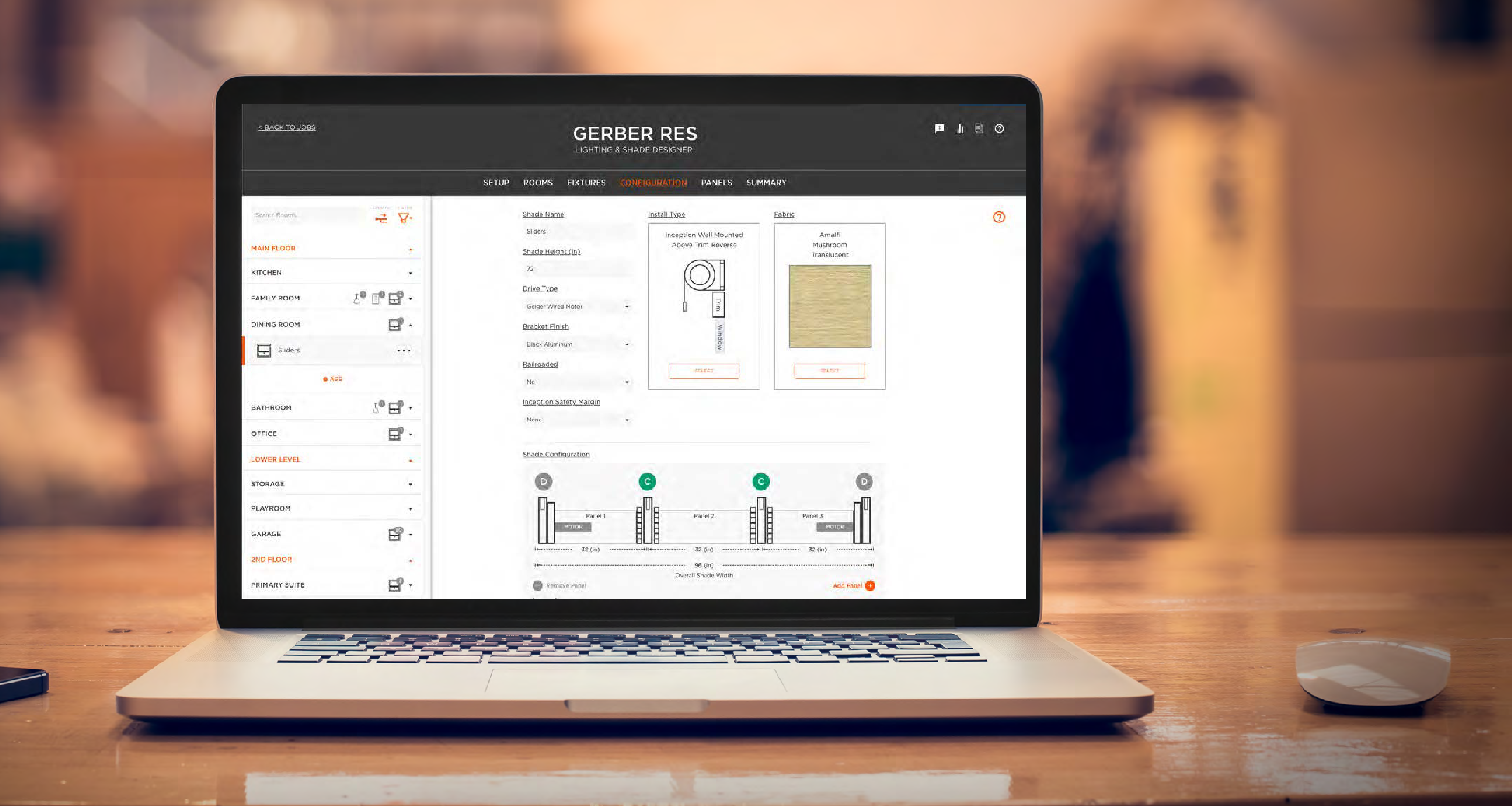 |
- Guides shade design by room and window using installer-defined measurements, reducing configuration errors early in the project lifecycle.
- Integrates supported fabric selection directly into the design workflow with filtering by key attributes.
- Automatically generates a consolidated project summary, including required components and quantities for accurate ordering.
- Supports efficient transition from design to ordering and installation by minimizing manual data re-entry.
|
|
|
|---|
